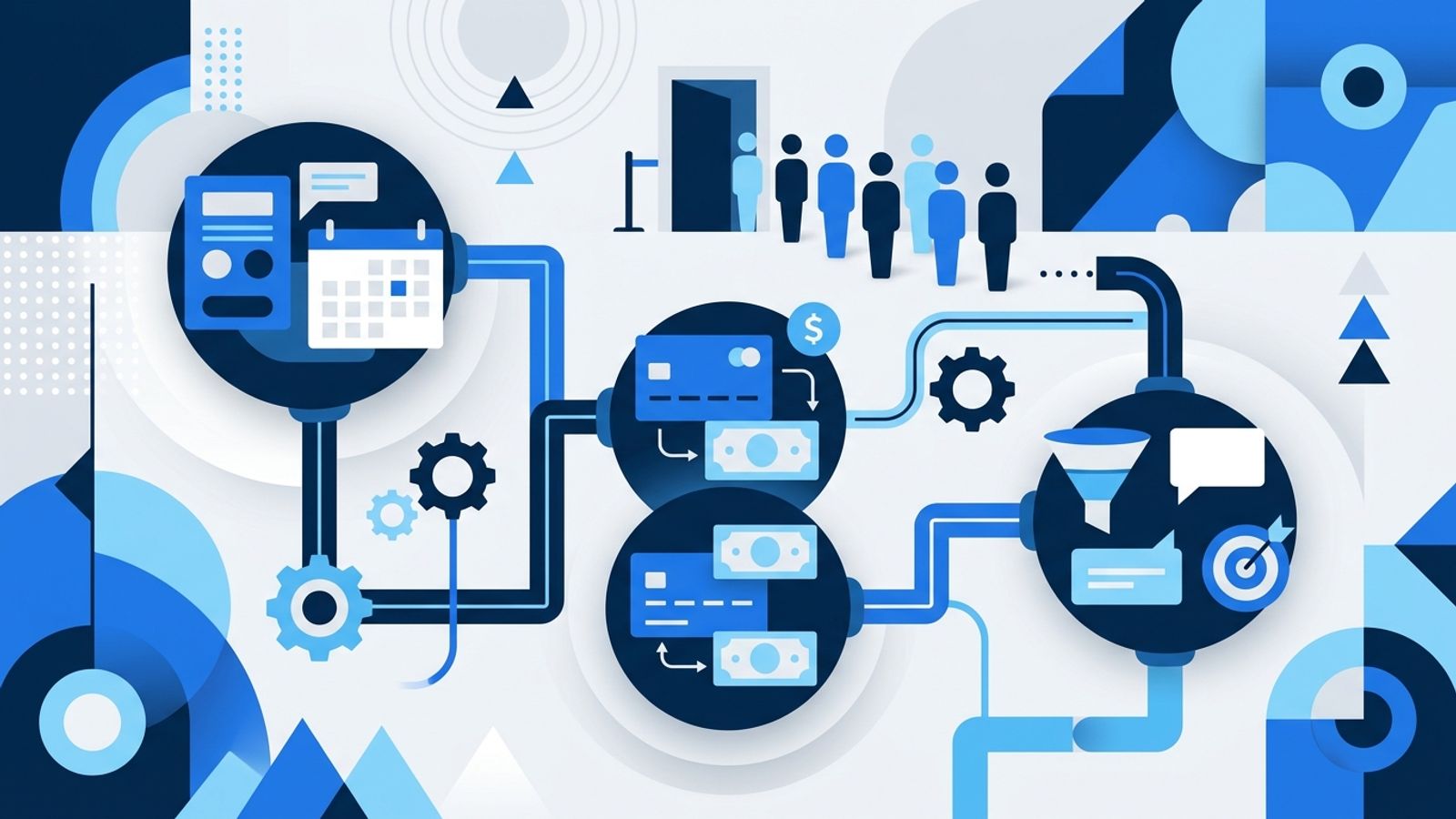
An AI agent is software that can use connected tools to carry out tasks. Before adding one to your appointment business, decide where the official version of each important record lives. That system is the source of truth: the place your team should trust when records disagree.
This matters because a new connection can create a new path to read or change information. If your booking platform, payment processor and marketing software each hold client or appointment details, an agent needs clear instructions about which records to use and which ones it may update.
Why system mapping matters now
A September 29 Reuters report said Meta was expanding its Muse agent for small businesses and adding integrations with tools such as Shopify, QuickBooks, Stripe and Canva. That is a reason to plan how connected tools should work together, not a reason to give an agent broad access by default.
Appointment businesses already manage related work across several functions. Mindbody’s description of its salon platform lists appointments, payments, check-ins, client profiles, service notes, staff schedules and reports as everyday operational details it brings together. This is a vendor’s account of its own product, but it illustrates why naming the owner of each record is useful—even if your business uses separate systems.

Name the owner of each record
Start with the records that affect a client’s visit and your follow-up. For each one, write down the system your team treats as authoritative:
- Appointments: Where does the confirmed time, service, provider and appointment status live?
- Payments: Which system records whether a charge, refund or package purchase is complete?
- Client details: Where do staff correct names, contact information and service notes?
- Marketing preferences: Which record tells your team whether a client should receive a message?
The answers do not have to point to one platform. Your booking system could own the appointment while a payment tool owns the transaction. What matters is that your team and any agent use the same rule when information appears in more than one place.
For example, if an appointment is changed, decide which system’s record the agent should check before sending a reminder. If a payment appears in one tool but not another, specify which system determines whether the client’s balance is settled. These rules reduce ambiguity; they do not require you to replace the software you already use.
Set boundaries for what an agent can do
Map permissions alongside records. For each system, decide whether the agent may only read information, prepare a change for staff to review or make a specific change itself. Keep actions that could affect a client’s booking or payment subject to human review until your team is comfortable with the rules.
Be precise about exceptions. What should happen if the client’s name differs across records? What if two appointment entries look like the same visit? What if the requested change would affect a staff member’s schedule? Give the agent a clear instruction to pause and ask a person rather than guess.
Also identify the workflows you already run. A reminder, follow-up message or payment notice may be handled by existing software. Before adding an agent to that process, decide whether it replaces that step or simply prepares work for a person. Otherwise, the same task could be triggered in two places.
Mindbody’s article says salons can start with the features they need and add capabilities such as memberships, packages, retail and marketing tools as they fit. That is one vendor’s product approach, not a rule that every business needs an all-in-one platform. The useful planning principle is to map the capabilities you actually use before connecting another tool.
What to do
- List the systems that handle booking, payments, client records and marketing.
- Name one source of truth for each type of information.
- Mark what the agent can read, draft or change.
- Identify existing automations and decide whether the agent replaces or supports each one.
- Write down cases where the agent must stop and ask a staff member.
Start with one workflow that has a clear owner and a clear stopping point. Review the map with the staff who use those systems, since they can flag exceptions that are easy to miss from the owner’s desk. Update it when you change tools or add a new workflow.
If you need help deciding how your data, agents and automations should fit together, Vetraeus Solutions Architecture is designed for that planning work.
- ai-readiness
- appointment-businesses
- business-systems
- automation

Alan Jordan, founder and principal solutions architect. Data engineering, data science and business analytics for appointment-based businesses.