 Vetraeus

Your business data is ready enough to try AI when the information needed for one narrow task is accurate, complete and current enough for a person to check. You do not need to clean every file first; begin with the records that task actually uses. (TechTarget)
What “ready” means in practice
For a small business, data might mean a customer list, appointment records, product details, invoices or written procedures. The question is not whether every record is perfect. It is whether the information used for the chosen task is reliable enough to support a useful result.
TechTarget describes useful data as accurate, complete, consistent, current and free of unwanted duplicates. (TechTarget) Those are practical things you can check without special software: Are names and contact details correct? Are important fields blank? Do two records appear to refer to the same customer? Are staff using the same meaning for terms such as “completed” or “urgent”?
The information could be organized records, like a customer list, or less-structured material, like emails and documents. Which matters depends on the task. (TechTarget) For example, an AI tool that helps draft replies may need clear service details and approved answers. A tool that summarizes customer history needs records that are accurate and appropriate to share with that tool.
Start with one task, not all your data
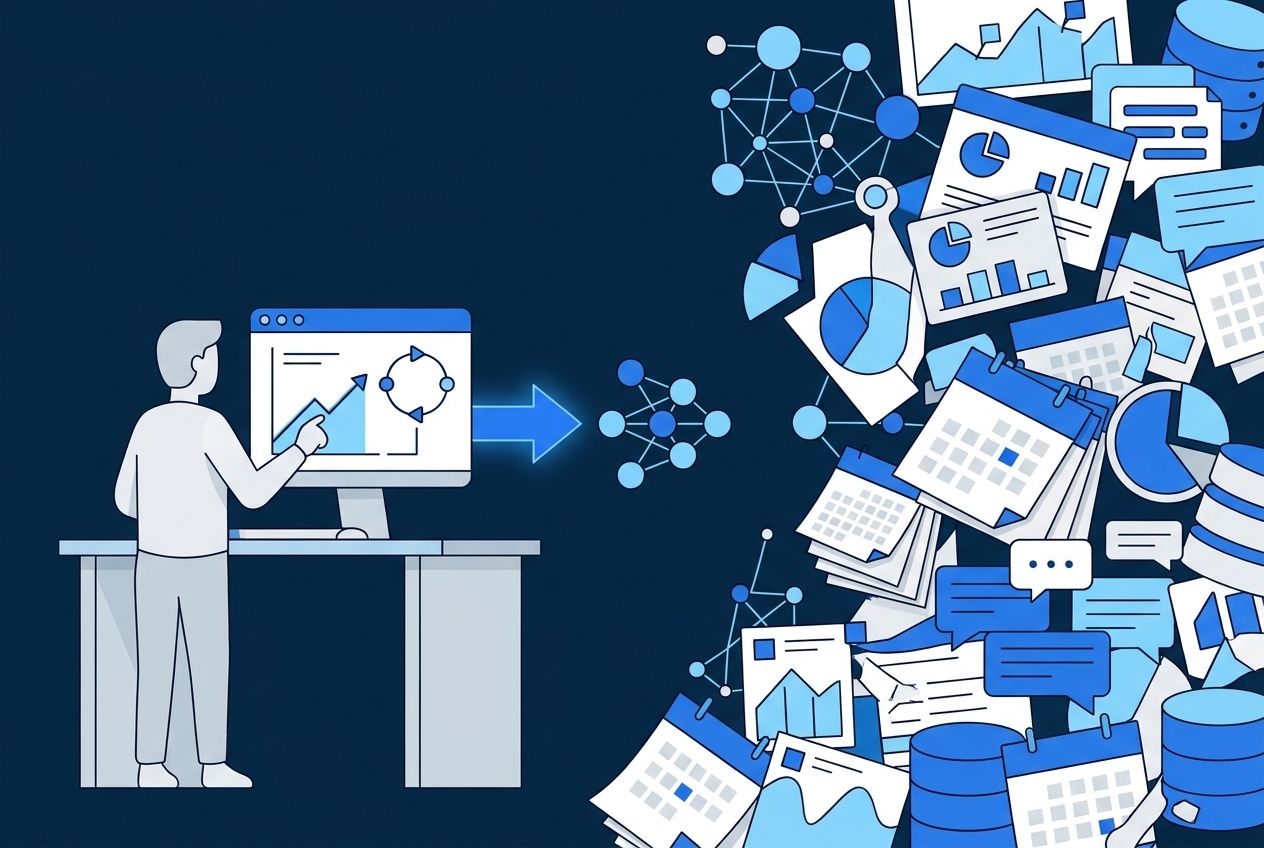
AI readiness is not an all-or-nothing project. TechTarget’s review recommends focusing data improvements on the information a specific use requires rather than preparing everything at once. (TechTarget) That is useful guidance if you have limited time or budget: pick a task where you can check the result and limit the cleanup to the records it needs.
An Accenture report based on a survey of executives at 2,000 companies found that 7% said they had reached the data readiness needed to scale advanced AI. This is an enterprise survey, not a scorecard for small businesses, but it illustrates that data preparation is a common concern. (TechTarget)
The same report found that 72% of respondents lacked both reliable data of the right quality and standardized rules for managing it. (TechTarget) The useful takeaway is not that you need a large company’s data program. It is that reliability and clear handling rules deserve attention before you rely on AI for important work.
Check the risks before you automate
If records are missing, outdated or inconsistent, the AI’s result may be unreliable. TechTarget notes that data quality, preparation and governance can affect how reliable AI outputs are. (TechTarget) Treat the first result as a draft or suggestion, not as proof that the underlying records are correct.
Be careful about who can access the information and what they are allowed to do with it. TechTarget notes that governance and security controls can limit access to approved users and uses, helping reduce the risk of data leaks or unintended exposure. (TechTarget) If you run a clinic, med spa, dental or wellness business, keep health and treatment details out of ad platforms and general AI tools. Check with a qualified adviser about whether privacy rules such as HIPAA apply before using those details in any system.
If AI drafts a customer reply, quote or appointment message, have a person review it before it goes out. Check names, dates, prices and any promise made on your behalf. If you cannot easily check the output, choose a lower-risk task first.
What to do first
- Pick one repetitive task where a mistake would be easy to spot.
- Write down the specific information that task needs. Avoid including extra customer details.
- Check a small group of relevant records for duplicates, missing fields, outdated details and inconsistent wording.
- Decide who is allowed to see that information and who will review the AI’s work.
- Try the task with a person checking every result. Note what was wrong or missing in the source records.
- Fix only the issues that affect this task, then decide whether the time saved is worth continuing.
You can do this first review with the records and tools you already use. As practical advice, hold off on buying a new data system until you know what task you want to support and what information it requires. If the same record problems keep getting in the way, that is a clearer reason to consider cleanup than a general goal of making all your data “AI-ready.”
The short answer: your data does not need to be perfect. Start with one bounded use, clean the relevant records and keep a person responsible for checking the results.

From Vetraeus
Alan Jordan, Founder and CEO. Secure cloud, data, analytics and AI automation for healthcare and business leaders.