 Vetraeus
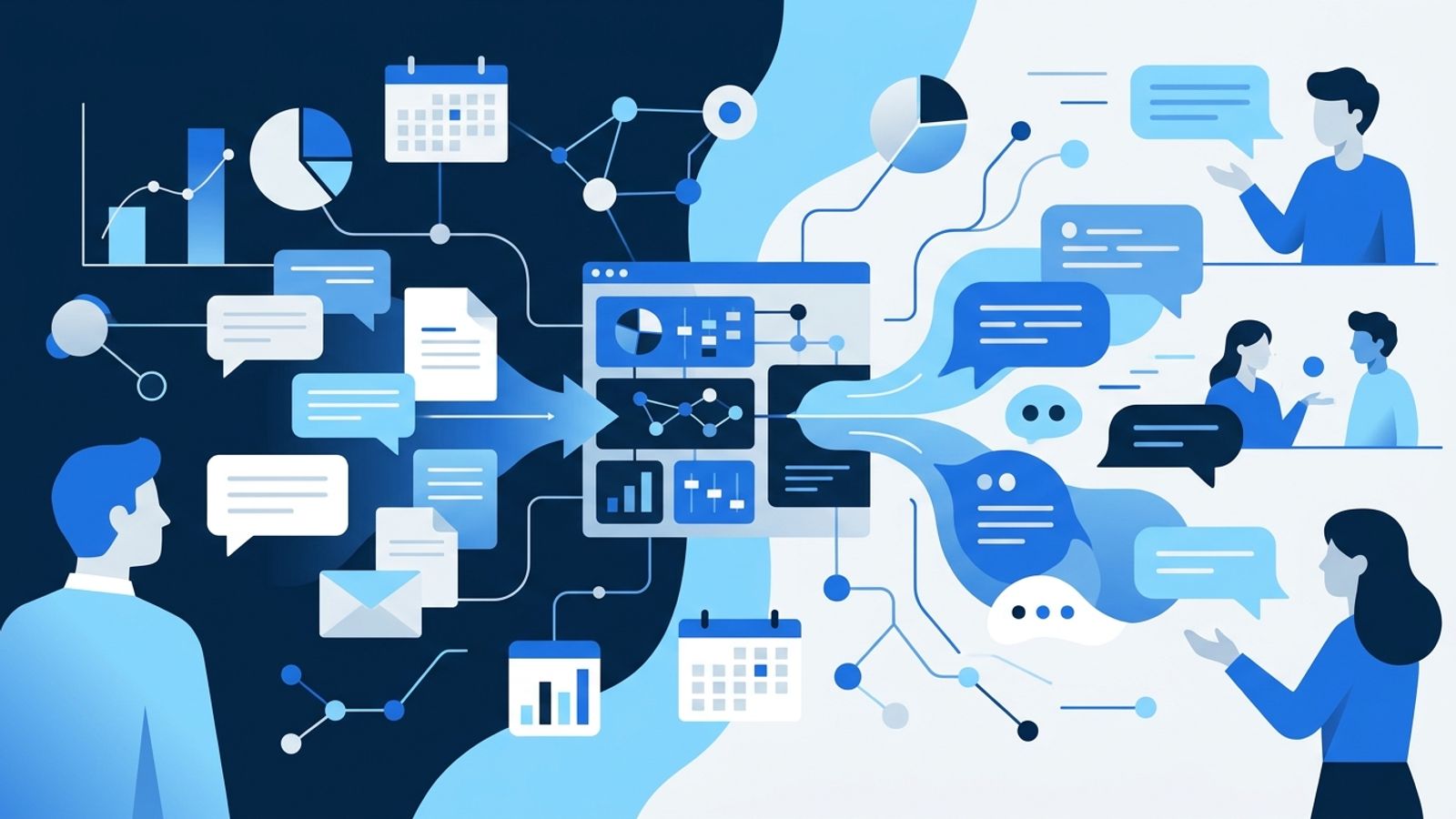
AI can help you draft customer emails around relevant details and prepare routine follow-ups. To keep them from sounding robotic, give it a clear sense of your voice and have a person review every message before it is sent.
Use AI for repeatable drafts
Start with the emails you already send often: appointment reminders, quote follow-ups, order updates or rebooking notes. You can ask AI to prepare a first draft, suggest a clearer subject line or adapt a standard message for a particular customer situation. Treat those as drafts, not messages ready to send.
An email-personalization guide describes tools that use contact details and behavior to suggest subject lines and opening lines. The guide says useful context can include a person’s stage in a purchase, past interactions and behavior. For your business, that might mean referring to the service someone asked about or the last step they took, rather than adding a personal detail just for the sake of it.
Keep the information limited to what the customer has shared and would expect you to use. If the system does not have a reliable detail, ask it to leave that part general instead of guessing. A more specific email is not automatically a better email.
Keep the message recognizably yours
A useful draft should sound like something you would actually say. Give the tool a few examples of your usual emails and describe your preferred style in plain terms: warm, brief, straightforward or more formal. You can also tell it what to avoid, such as exaggerated enthusiasm, stiff greetings or claims you cannot verify.
A name in the greeting is not the same as a thoughtful message. A sales-focused email guide says adding a recipient’s name to the subject or greeting alone does not really count as personalization. Focus instead on a detail that helps the customer understand why you are writing.
A person should read every AI-assisted customer email before it goes out. Check that the message is accurate, sounds like your business and does not include a detail the customer might find intrusive. An email-personalization guide recommends reading each draft before sending.
There is a reason to be careful with personal details. A sales-focused article’s summary of a 2021 study reported that 71% of consumers expect personalized brand interactions. It also reported that 76% do not respond well to messages that feel invasive or miss the mark. Treat those survey findings as a warning to use relevant context, not as a promise about how your own customers will react.
If you run a clinic, dental office, med spa or wellness business, keep customer health or treatment details out of general AI tools and ad platforms. Ask a qualified privacy adviser whether rules such as HIPAA apply to your messages.
Start with one message and review it
Choose one repetitive email where a little tailoring could make the message more useful. Before trying to automate it, check whether your existing email or customer-record system can help draft it. Check for any added fee before enabling a feature or paying for another tool.
A practical first pass:
- Pick one message, such as a follow-up after a customer asks for a quote.
- Choose only a relevant detail to include, such as what they asked about.
- Ask for a short draft in your usual tone and tell it to leave out anything it cannot confirm.
- Have a person check every customer-facing draft before sending, including messages prepared for reminders or rebooking.
A guide to email personalization recommends starting with one or two useful data points instead of trying to use every available detail. That is a sensible way to keep the trial manageable and make it easier to spot when the draft gets something wrong.
Check whether it is helping
Do not judge the result only by whether the email sounds polished. Track whether the drafts save you time after editing and whether customers respond or take the next step. The email guide points to reply rates and sales meetings booked as signs to watch. For a service business, you might track replies, bookings or repeat appointments instead.
If you want help organizing customer email, social posts and follow-up reminders into a workflow with human review, Vetraeus works on email and social automation. The goal is to make routine communication easier without handing your customer relationships over to a machine.

From Vetraeus
Alan Jordan, Founder and CEO. Secure cloud, data, analytics and AI automation for healthcare and business leaders.