 Vetraeus

Yes, AI can help prepare invoices and enter invoice or receipt details, but it should not own final approval. Start with drafts or suggested entries and have a person review the work before anything customer-facing is sent or bookkeeping is finalized (small manufacturer’s account; vendor case report).
What AI can help with
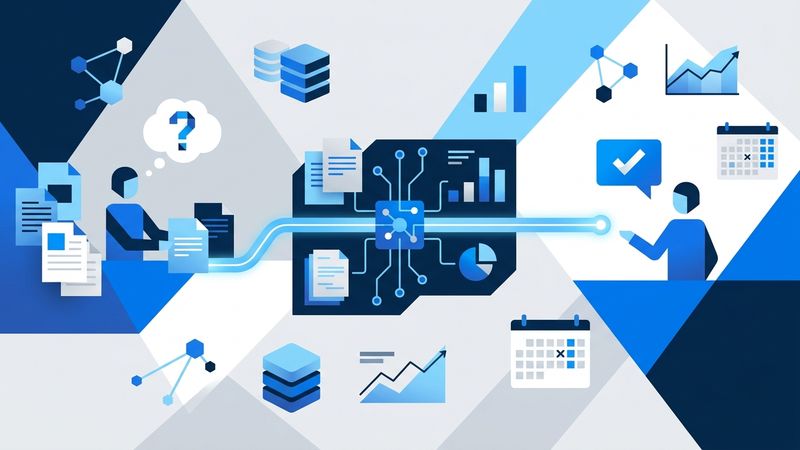
A small manufacturer’s auto-translated account describes using AI to pick the clients and details due this month from a receivables ledger (account). The owner also asked it to refer to the previous month’s invoice and carry over details such as the subject line (account). The system prepared invoice drafts without sending them (account).
That’s a useful pattern for a small business: let AI gather information, follow written rules and prepare a draft. You stay responsible for the decision to approve it. You might start with a repeated monthly task, such as preparing invoices from a delivery or work log, rather than trying to automate your entire finance process at once.
A vendor’s case report describes one project that reduced invoice and receipt data-entry time from hours to tens of minutes, or over 80%. The report says the result came from an individual project and may vary with the work and document volume (case report; project caveat).
Treat that as an example, not a forecast for your business. If most of your time goes into finding information, copying it into records or preparing drafts, those are sensible tasks to test. For decisions about how transactions should be classified, proceed more cautiously: the same vendor article says its separate bookkeeping tool for applying company-specific rules was a demo, not ready for production (case report).

What still needs a person
AI can make a polished draft that looks ready to send. Build in a review step for the details that affect whether it is correct: customer, invoice date, amounts, payment terms and the work or goods being billed. Before anything goes to a customer, a person should review it. You should also make the final decision about entries in your books.
The manufacturer’s account warns that extra attention is needed when a month includes exceptions such as a changed unit price or additional deliveries (account). The owner’s stated safeguards were to check amounts and details personally and press the send button themselves (account). That is a practical standard for your own workflow, too: make exceptions visible and don’t let a draft go out without approval.
If you run a clinic, med spa, dental or wellness business, never put customer health or treatment details into ad platforms or general AI tools. Privacy rules such as HIPAA may apply, so get advice on your obligations before connecting any system to those records.
What it may cost
The sources don’t establish a standard price. A vendor article says custom costs depend on the work’s scope and the number of systems involved (case report). Before you commit, ask for an estimate based on your real workflow. Make sure it covers setup, ongoing costs and who will handle corrections when an invoice or receipt is unclear.
A simple first test may not need a custom build. You can document one repeatable task, try AI on a small set of past or draft-only work and compare the results with your current process. Keep the existing process available until you are comfortable with the checks and handoffs.
What to do first
- Choose one task you repeat, such as preparing invoice drafts or entering receipt details.
- Write down the rules you already follow, including how you handle new customers and exceptions.
- Have AI prepare drafts or suggested entries, not send invoices or finalize records.
- Compare every result with the original document and confirm amounts, dates and customer details.
- Note corrections and decide whether the time saved is worth the cost and review effort.
The best first use is one that removes repetitive preparation without removing your control. Let AI do the draft work; keep approval with a person.

From Vetraeus
Alan Jordan, Founder and CEO. Secure cloud, data, analytics and AI automation for healthcare and business leaders.